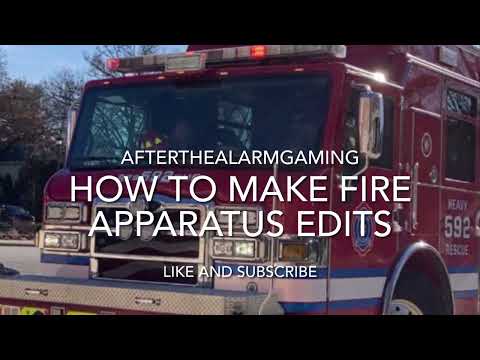
Creating engaging emergency vehicle edits has become a massive trend across video platforms. Whether you are capturing sleek rigs rolling out of the station or responding at high speeds, transforming raw footage into an action-packed visual experience requires technique and flair. Heavily inspired by popular creators like @Rainman14, learning to edit a fire apparatus response video allows you to showcase the power and excitement of emergency services with your own creative spin.
Finding Inspiration and Establishing Your Style
When you watch top-tier emergency editing creators, you immediately notice a distinct rhythm. Fast-paced cuts, synchronized siren drops, and sharp visual transitions pull the viewer right into the action. While referencing successful creators gives you a solid blueprint, the real magic happens when you put your unique signature on the timeline. Experimenting with custom color grading presets, unique text overlays, or dynamic sound design will help your content stand out in a crowded space.
Key Steps for Editing Emergency Apparatus Footage
To take your footage to the next level, focus on these essential editing techniques:
- Audio Precision: The roar of the engine and the blare of the horn are just as important as the visuals. Clean up wind noise and mix your background music so the natural sounds of the responding apparatus remain clear and impactful.
- Dynamic Speed Ramping: Use speed ramping to highlight dramatic moments, such as a vehicle turning out of the station or speeding down an open road. Accelerating standard driving clips and slowing down right as the vehicle passes creates a powerful cinematic effect.
- Color Grading for Drama: Emergency lights demand vibrant hues. Boost the saturation and contrast on red and amber lights while keeping the surrounding environment balanced to make the vehicle pop on screen.
Bringing It All Together
Mastering emergency edits takes practice, patience, and a keen eye for timing. By studying established creators and applying your own technical twists, you can transform simple video clips into thrilling cinematic highlights. Grab your editor, refine your timeline, and start crafting high-octane edits that showcase the true speed and majesty of emergency response vehicles!


