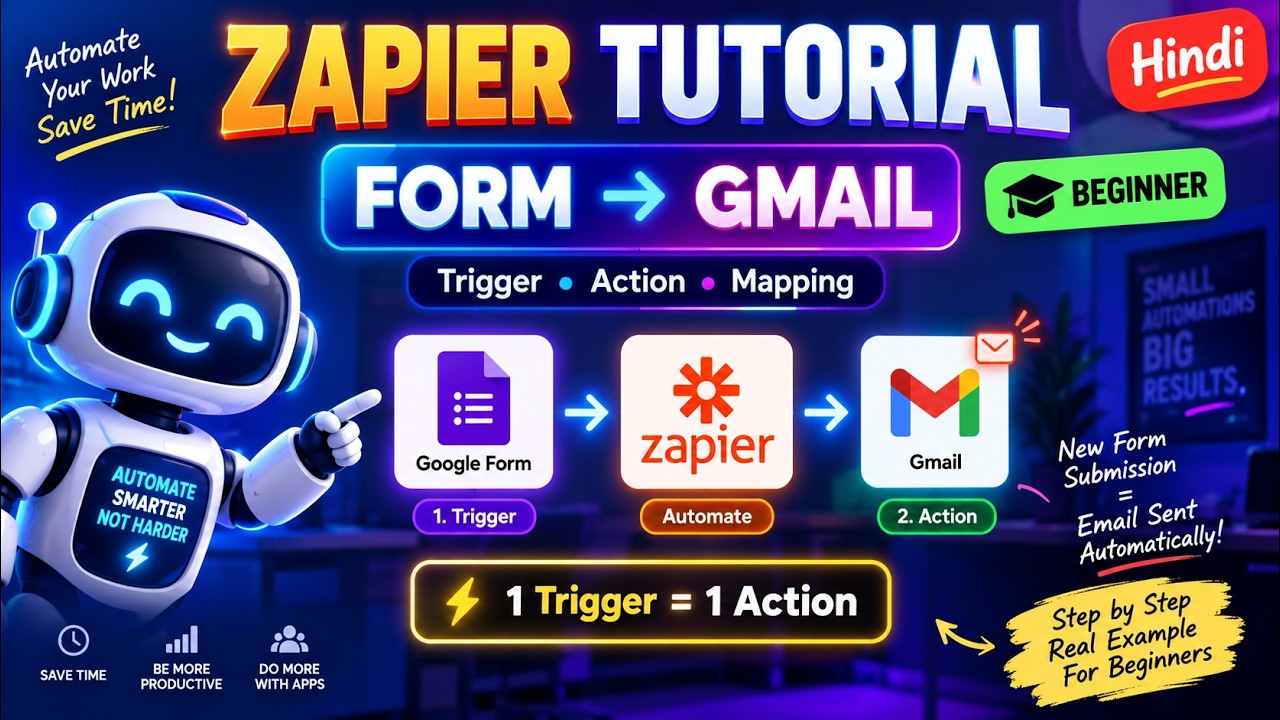
Zapier for Beginners: A Step-by-Step Guide to Workflow Automation
This article provides an in-depth exploration of Automation, covering foundational concepts, practical applications, and engineering insights.
In today's fast-paced digital environment, managing repetitive tasks manually can consume valuable time and energy. Whether you are an entrepreneur, freelancer, or marketer, learning how to streamline your routine processes is essential for scaling your output. This is where modern automation tools like Zapier come into play, allowing you to connect your favorite software applications without writing a single line of code.
Understanding the Core Concepts: Triggers and Actions
To get started with Zapier, you need to understand the fundamental building blocks of any automated workflow: Triggers and Actions.
- Trigger: This is the specific event that starts the automated process. For instance, receiving a new form submission or adding a new row to a Google Sheet can act as your initial trigger.
- Action: This is the task that Zapier performs automatically once the trigger occurs. Examples include sending a Slack notification, creating a task in Trello, or adding a contact to your CRM.
When you combine a single trigger with a single action, you create a simple yet highly effective one-step workflow—commonly referred to as a "Zap."
Step-by-Step: Setting Up Your First Workflow
Building your initial workflow in Zapier is remarkably straightforward:
- Select Your Trigger App: Log into Zapier, choose the application that holds your starting data, and specify the trigger event.
- Connect Your Account: Authenticate your account securely so Zapier can read incoming data.
- Choose Your Action App: Pick the destination app where you want the outcome to take place and define the action type.
- Test the Connection: Run a quick test to ensure Zapier communicates effectively between both platforms.
Mastering Data Mapping
The secret to successful automation lies in accurate data mapping. Data mapping allows you to define exactly which information from your trigger app gets sent to specific fields in your action app. For example, you can map the "Email Address" field from a lead form directly into the "Recipient" field of an automated email responder. By carefully matching data fields during setup, you ensure information flows seamlessly without errors.
Start Saving Time Today
Adopting smart workflow automation through platforms like Zapier completely transforms how you handle daily operations. By setting up basic one-step Zaps, you eliminate manual entry errors, boost overall productivity, and free up hours every week to focus on strategic growth.


